Start with symptoms and model
The laptop model, age, part availability, and symptoms determine whether repair, upgrade, transfer, or replacement makes sense.
Kingwood laptop repair
Help for slow laptops, startup failures, charging problems, cracked screens, keyboard issues, overheating, Windows errors, MacBook symptoms, and files you cannot risk losing.
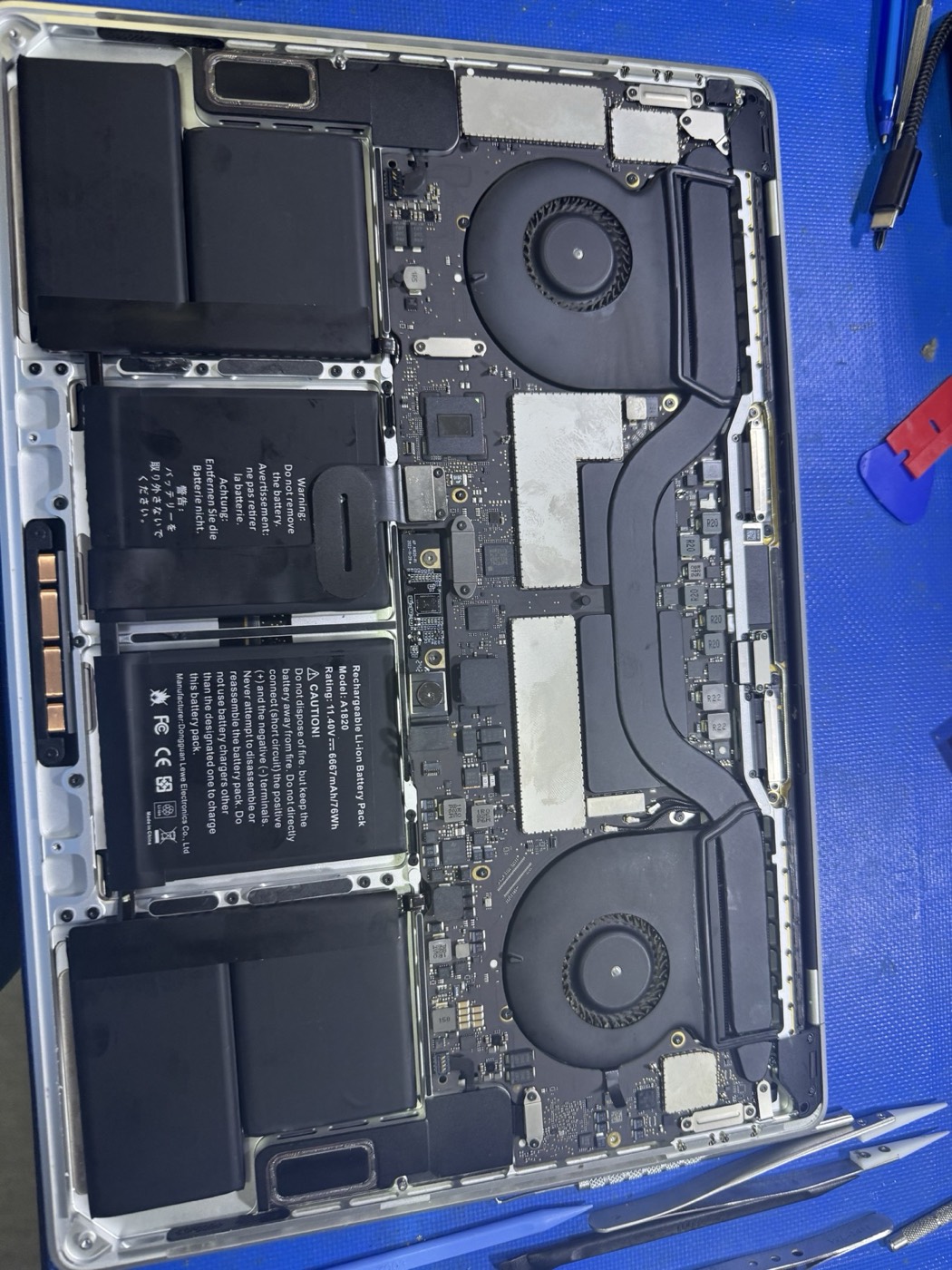
Yes. KingsPark IT serves Kingwood for laptop repair. We help with charging problems, startup failures, slow laptops, screen symptoms, overheating, SSD upgrades, memory checks, and data transfer.
Laptop problems often overlap. A slow laptop can be a failing drive, malware, heat, bad updates, or a device that needs data backed up before repair.
The laptop model, age, part availability, and symptoms determine whether repair, upgrade, transfer, or replacement makes sense.
If storage symptoms are present, the priority is preserving recovery options before resets, reinstalls, or stress testing.
You get a practical next step: repair, SSD upgrade, screen quote, battery path, file transfer, or replacement guidance.
Call for urgent failures or send the form with the laptop model, symptom, and whether files are urgent.
Yes. KingsPark IT serves Kingwood for laptop repair. We help with charging problems, startup failures, slow laptops, screen symptoms, overheating, SSD upgrades, memory checks, and data transfer.
Repair usually makes sense when the laptop is otherwise useful, the storage is healthy, and the repair cost is reasonable compared with replacement. Replacement may be better for liquid damage, board failure, old batteries, or weak performance after an SSD and memory review.
Yes, but data-risk symptoms should be handled carefully. If the laptop clicks, disappears, asks to format, or freezes during file access, stop using it and start with data triage before repair attempts.
Yes. KingsPark IT supports common Windows laptops and MacBooks, with model-specific guidance for screen, battery, storage, startup, and performance issues.
Include the laptop brand/model, symptom, and whether important files are on the device.