Repair or Replace Your Laptop? A Practical Guide
Not every slow laptop needs a trash can. Use age, storage type, and repair cost to decide with less regret.
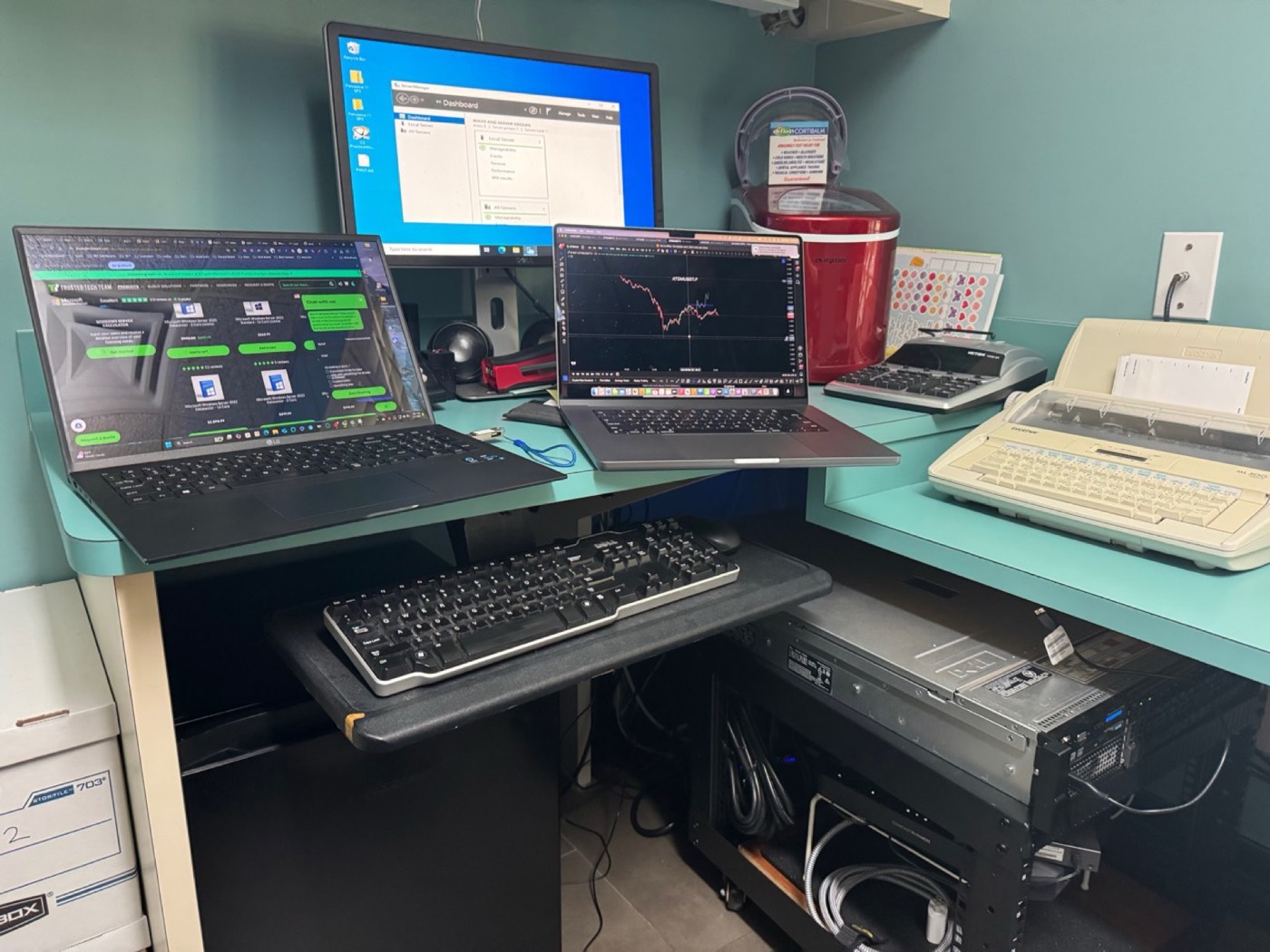
Usually worth repairing
- 3–6 year old PC with a hard drive → SSD upgrade transforms it
- Battery swelling or weak battery on an otherwise fine laptop
- Cracked screen when the chassis and board are healthy
- Software issues (malware, update damage) on good hardware
Usually replace
- Motherboard failure on a low-value consumer laptop
- Multiple simultaneous failures (screen + board + hinges)
- Machines too old for security updates
How we advise in the shop
We price the repair against a reasonable replacement and tell you straight. Upselling a dying machine helps no one — including us, when it returns next month.
Need hands-on help in Kingwood or nearby? Call 832-224-1001 or request service online. For deep drive recovery we partner with Kingwood Data Recovery; for active ransomware emergencies see also Virus Pros.
FAQs
Is 8 GB of RAM enough in 2026?
For light use, maybe. Chrome-heavy and business use often wants 16 GB.
Can you transfer data to a new laptop?
Yes — see our new computer setup service.
Still stuck?
Local diagnostics $50. Same-day options across Kingwood, Humble, and Atascocita.