Triage the symptom
Call or send the form with the device type, what changed, and whether files or business work are at risk.
KingsPark IT provides Kingwood computer repair for slow computers, failed updates, laptops, Wi-Fi, Microsoft 365, backups, and problems that need more than a quick counter visit.
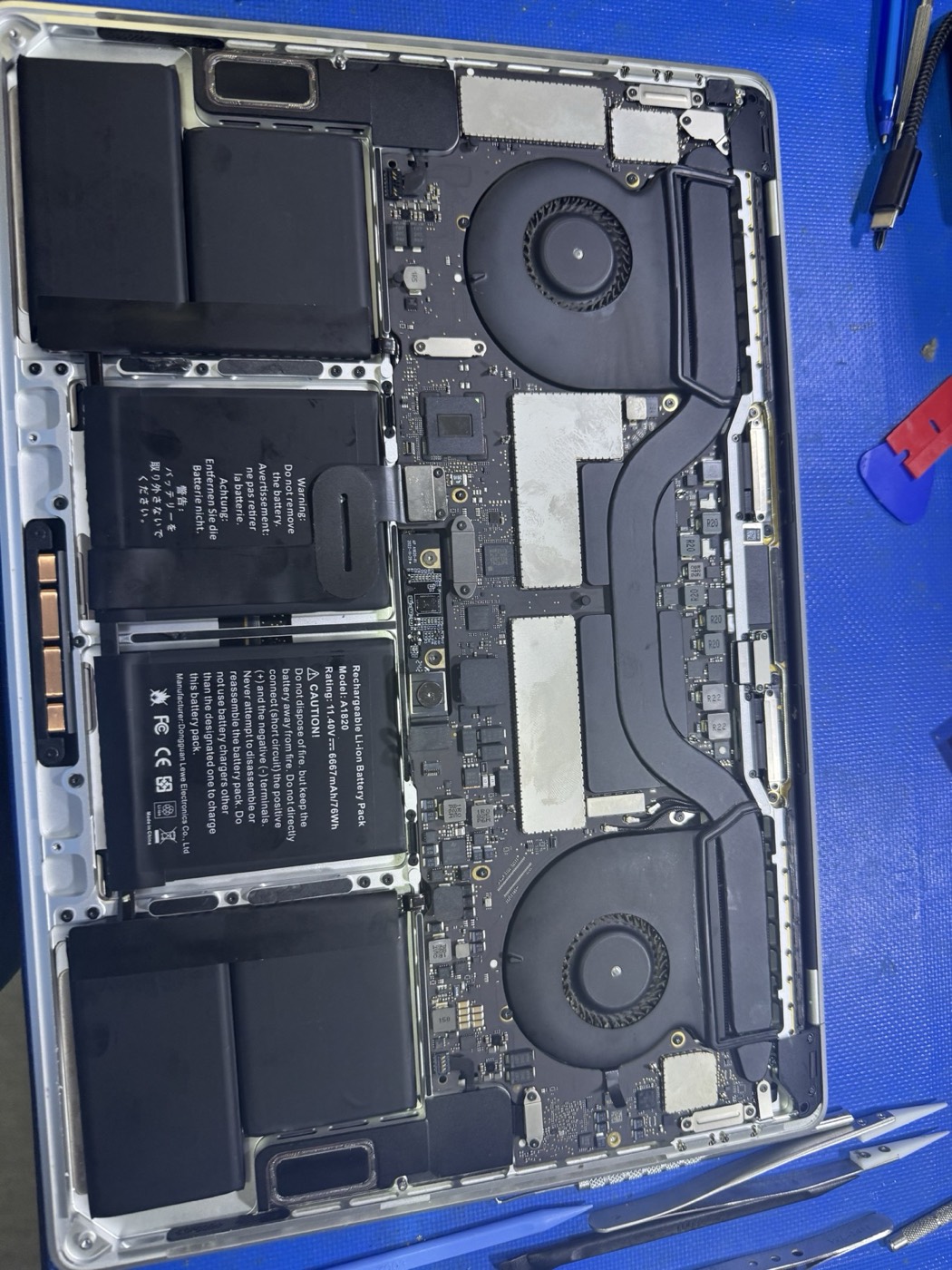
Yes. KingsPark IT serves Kingwood for computer repair. We help with slow PCs, laptops that will not boot, Windows update failures, virus symptoms, data transfer, Wi-Fi, printers, Microsoft 365, and small-business workstation issues.
Yes. KingsPark IT fixes slow computers in Kingwood. We check storage health, startup apps, malware symptoms, Windows updates, RAM, SSD upgrade options, heat, and data-risk warnings before recommending repair.
KingsPark IT handles the device issue and the surrounding IT details: Wi-Fi, printers, email, data, backups, and whether a repair still makes sense for the age of the computer.
Call or send the form with the device type, what changed, and whether files or business work are at risk.
We look at hardware health, updates, malware, storage, network access, email, and backup status before recommending work.
You get a clear quote first, then repair can happen onsite or remotely with notes for what to watch next.
Onsite visits, remote support, upgrades, and small-business work are quoted before repair work starts.
Yes. KingsPark IT serves Kingwood for computer repair. We help with slow PCs, laptops that will not boot, Windows update failures, virus symptoms, data transfer, Wi-Fi, printers, Microsoft 365, and small-business workstation issues.
Yes. KingsPark IT fixes slow computers in Kingwood by checking storage health, startup apps, malware symptoms, Windows updates, RAM, SSD upgrade options, heat, and data-risk warnings before recommending repair.
Often, yes. If the drive is failing or data is at risk, KingsPark IT can start with a diagnostic and route the case to data recovery.
Yes. KingsPark IT handles one-off workstation repairs and can also provide small business IT support for recurring needs like Microsoft 365, backups, Wi-Fi, and user onboarding.
Call for urgent problems. Use the form for diagnostics, onsite visits, upgrades, and business workstation help.