Identify critical data
List the files, apps, mailboxes, and devices that would stop the business if they disappeared.
Make sure your small business can recover before an encrypted drive, deleted mailbox, failed PC, or compromised account turns into downtime.
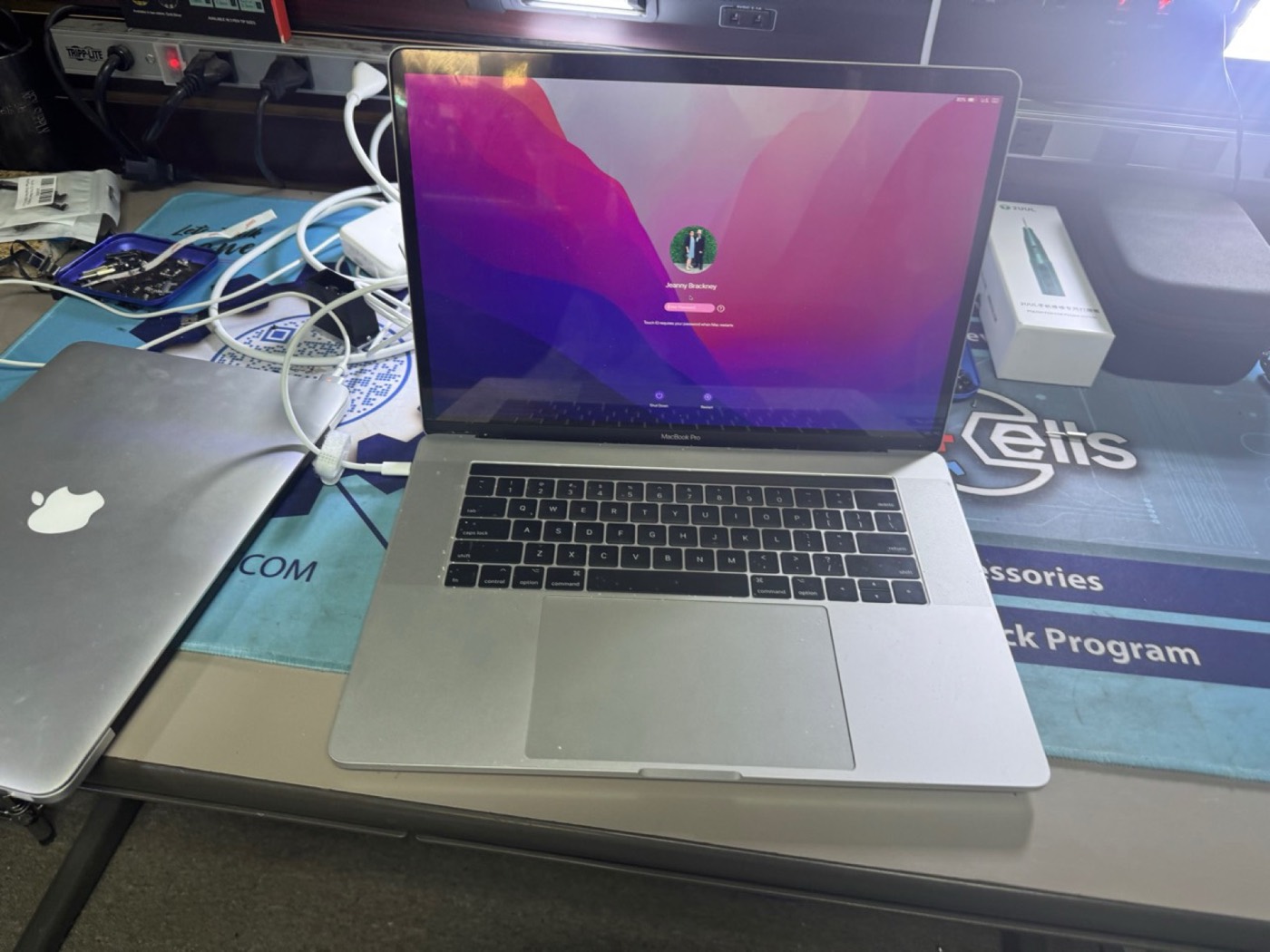
Small businesses often have cloud sync, old external drives, or vendor backups, but nobody has recently confirmed what would actually restore after a failure.
KingsPark IT reviews the systems that keep the business running: workstations, Microsoft 365, backup destinations, important files, admin accounts, security tools, and what would happen if one system failed tomorrow.
List the files, apps, mailboxes, and devices that would stop the business if they disappeared.
Confirm whether backups exist, what they cover, how old they are, and whether sample restores are possible.
Document quick wins, risky gaps, MFA needs, endpoint cleanup, and recovery steps in plain language.
A readiness review is scoped by users, devices, Microsoft 365, backup locations, and restore needs. Urgent single-device issues can start with diagnostics $50; business recovery planning is quoted before work starts.
No. Cloud sync can copy deletions, ransomware changes, or mistakes. A readiness review checks what can actually be restored and how far back recovery can go.
Yes. KingsPark IT can review backup destinations, restore a sample file or system where practical, and document gaps before an outage.
This page is prevention-focused. If encryption is active now, disconnect affected devices and use the emergency ransomware removal page or call.
Send the form if you want a prevention review. Call if files are currently encrypted or a system is down.