Computer Overheating & Loud Fans in Houston Summer Heat
Southeast Texas heat plus dust-clogged fans equals throttling, shutdowns, and short hardware life. Here is what helps.
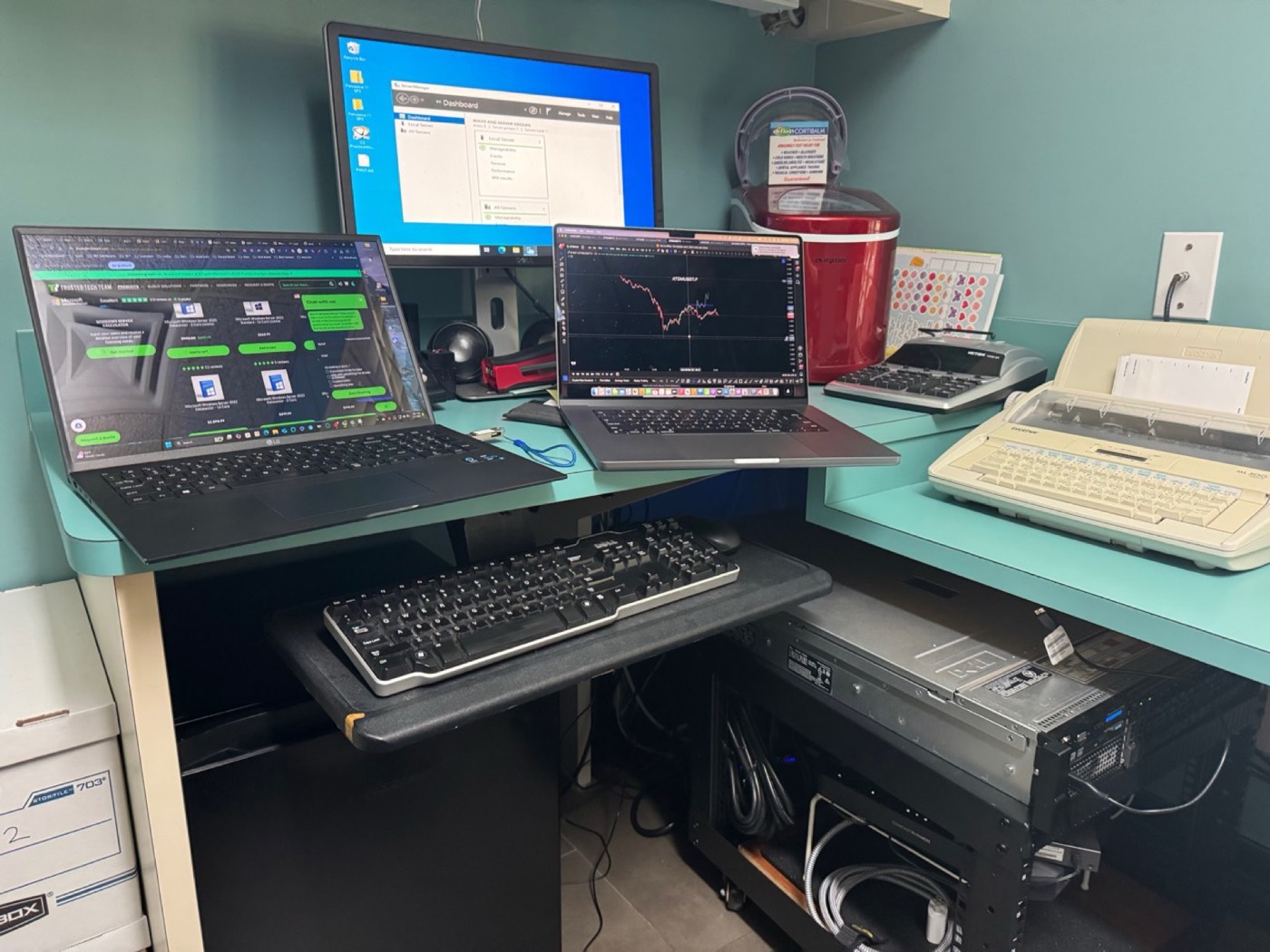
Common causes
Blocked vents, dried thermal paste, mining/crypto leftovers, aggressive browser load, and failing fans. Laptops on beds/couches choke intake airflow.
What you can do today
- Use a hard flat surface
- Close unused Chrome tabs and heavy apps
- Keep vents clear; avoid blasting compressed air deep into fans at an angle that spins them dry
- Note if shutdowns happen only under load (video, games, Zoom)
Professional service
We open the chassis when appropriate, clean dust carefully, replace thermal paste on supported models, test temperatures, and check for malware causing 100% CPU.
Need hands-on help in Kingwood or nearby? Call 832-224-1001 or request service online. For deep drive recovery we partner with Kingwood Data Recovery; for active ransomware emergencies see also Virus Pros.
FAQs
Is thermal paste replacement always needed?
Not always — cleaning alone often helps. Paste is replaced when temperatures stay high after cleaning.
Can heat kill a hard drive?
Heat shortens component life. Combined with dust, it is a common summer failure pattern.
Still stuck?
Local diagnostics $50. Same-day options across Kingwood, Humble, and Atascocita.