Stop using the device
Continuing to use a failing drive can reduce recovery odds.
Drive failure, deleted files, damaged laptops, and business data emergencies need a calm first step. Start with a local diagnostic before making the damage worse.
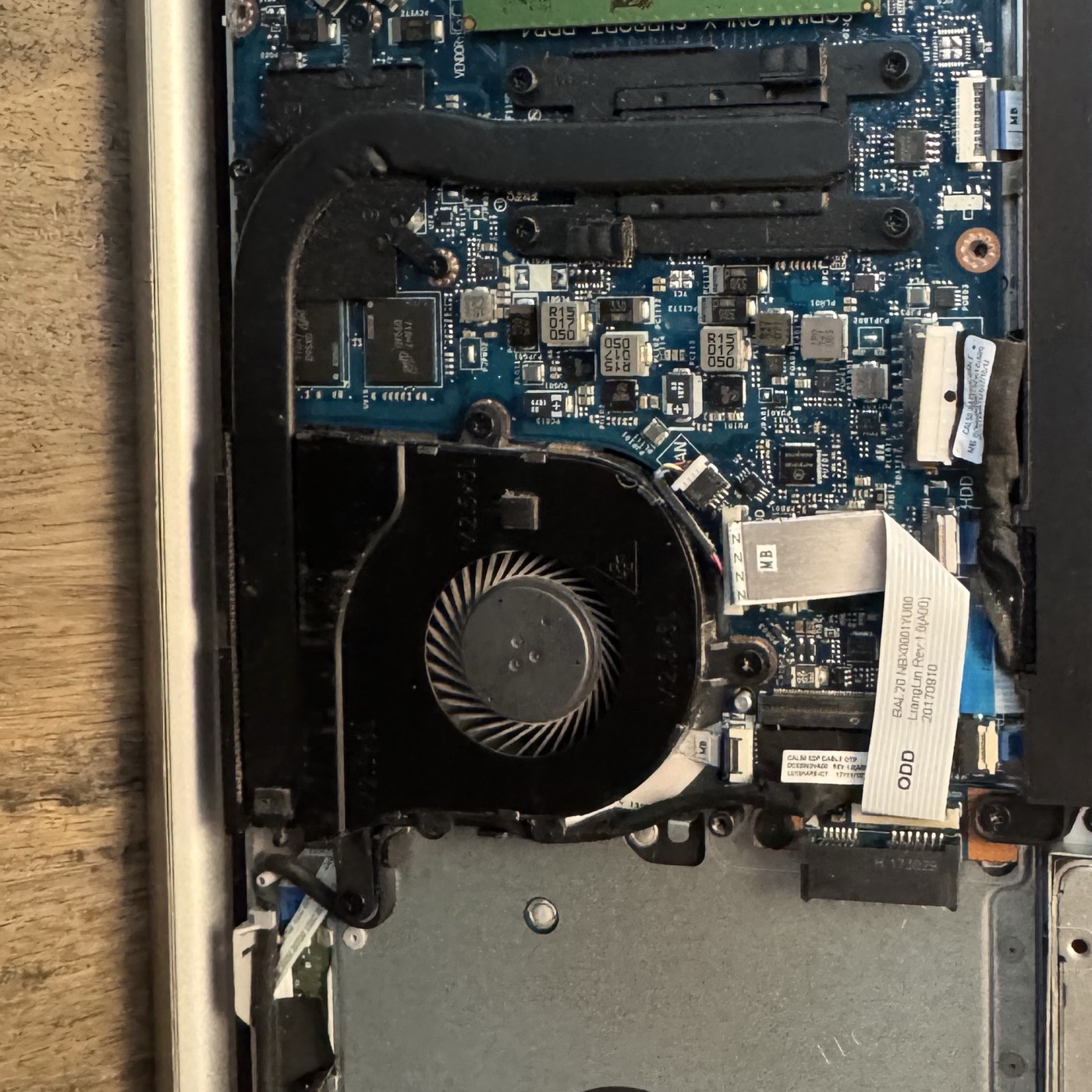
High-risk data problems need a phone-first intake, careful diagnostics, and a clear explanation before recovery work continues.
Continuing to use a failing drive can reduce recovery odds.
Identify whether the issue is logical, physical, malware-related, or device-level.
Give a practical quote, expected timeline, and risk level before recovery work continues.
Call tracking and a dedicated recovery intake process help urgent cases reach the right next step quickly.
Stop using the device and call before trying additional fixes. Continued use can reduce the chance of successful recovery.
Sometimes. SSD recovery depends on failure type, encryption, and how the drive behaves during diagnostics.
Ransomware cases are handled as urgent recovery and security incidents. KingsPark IT routes those cases through the ransomware emergency intake.
Share the device type, symptoms, and urgency so the recovery path is clear from the first contact.